







It’s Just a Football Match : Understanding Computer Networking the Beautiful Way
With the 2026 FIFA World Cup just around the corner, 48 teams, three host countries, 104 matches, football is about to take over the world. Everyone’s debating formations, favorites, and which group is the group of death. But while all of that unfolds on the pitch, there’s another game running silently in the background: the one that lets you stream every match, send your reactions, and argue with strangers online at 2am.
That game is your network. And it runs on exactly the same logic as football.
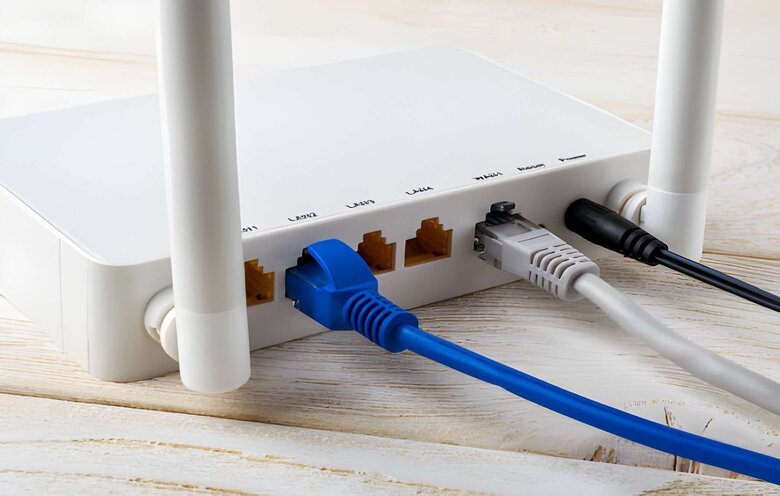
There’s also a box somewhere in your home probably tucked behind the TV or sitting on a shelf gathering dust that you only think about when the internet stops working. You restart it, wait 30 seconds, and carry on with your life.
That box is doing something remarkable. And once you understand what it’s actually doing, you’ll never look at a football match the same way again.
Because your home network and a professional football match are running on almost identical logic. Same roles. Same rules. Same goal: get the ball where it needs to go, safely and efficiently.
Let’s start with what you already own.
🥅 The Sunday League Match — One Player Doing Everything
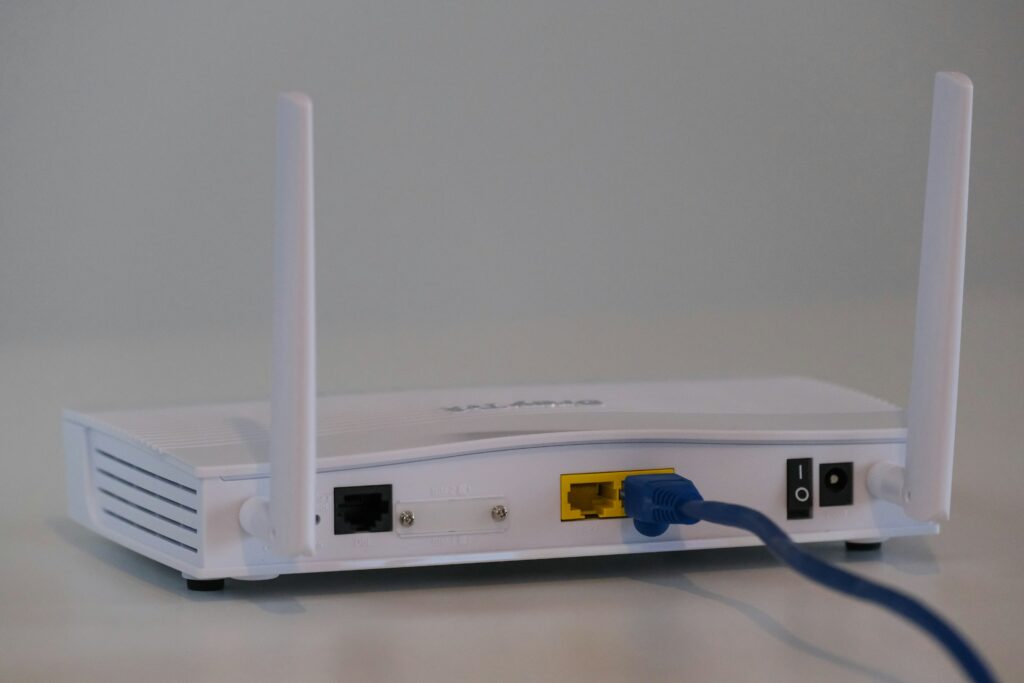
Picture a Sunday league match in the park. Two jumpers for goalposts. No proper referee, someone’s just volunteered. The same person is keeping score, calling offsides, and occasionally jumping in to play when a team is short.
That’s your home router.
The device your ISP (Internet Service Provider) gives you, that humble box, is actually doing five jobs simultaneously:
• Routing: deciding how your data travels between your home and the internet
• Switching: connecting all your devices to each other (phone, laptop, smart TV, everything)
• Firewalling: blocking obviously dangerous or unauthorized traffic
• Acting as your gateway: the single exit and entry point for all internet traffic
• Broadcasting Wi-Fi: so, you don’t need cables everywhere
It works. The game gets played. But there’s a cost.
When one player does every job, they can’t do any of them brilliantly. Your home router’s firewall is basic. It can’t separate your work laptop from your smart fridge with any real sophistication. It handles normal Sunday league traffic just fine, but it was never built for the Champions League.
So what does the Champions League look like?
🏟️ The Professional Match — Every Role, A Specialist
In a professional club, no one doubles up. The striker doesn’t referee. The goalkeeper doesn’t coach. Every role is filled by someone who does that one thing exceptionally well.
Enterprise networking: the kind used in companies, hospitals, universities, and large organizations works the same way. Dedicated devices. Dedicated roles. Let’s meet the squad.
The Ball = Network Traffic (Data)
Everything starts with the ball. In networking, the ball is your data, emails, video calls, file downloads, web pages. Every time you load a website or send a message, a ball is in play. The entire network exists to move that ball efficiently, safely, and to the right destination.
Two Teams = Two Networks
On the pitch you have two teams, each with their own half. In a company network, you have different network segments , the Finance team’s network on one side, the HR team on the other, or the internal company network versus the open internet. Separate sides. Different rules for each.

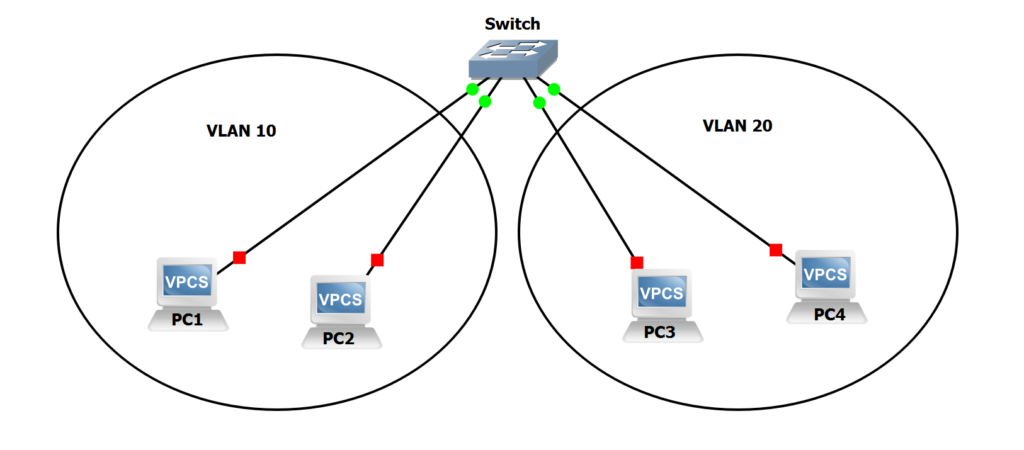
Playing Positions = VLANs (Virtual Local Area Networks)
Within each team, players have positions, strikers, midfielders, wingers, defenders. They all wear the same shirt, but they play very different roles in very different areas of the pitch.
In networking, VLANs group devices by purpose, even if they’re physically in the same building. Finance laptops form one VLAN (defenders), protecting the assets. The marketing team is another (strikers), pushing content out. IT infrastructure sits in midfield, directing everything.
Each position keeps things organized and ensures the right players handle the right ball.
Individual Players = Policies & Rules on Each VLAN
Each player within a position has specific instructions from the coach: this winger tracks back to defend, this striker presses high, that midfielder doesn’t cross the halfway line. Individual rules for individual people.
Devices on a network work the same way. This laptop can access the internet. That server can only talk to the internal database. This printer is visible to Finance but not to everyone else. Granular, specific, purposeful rules one per player.

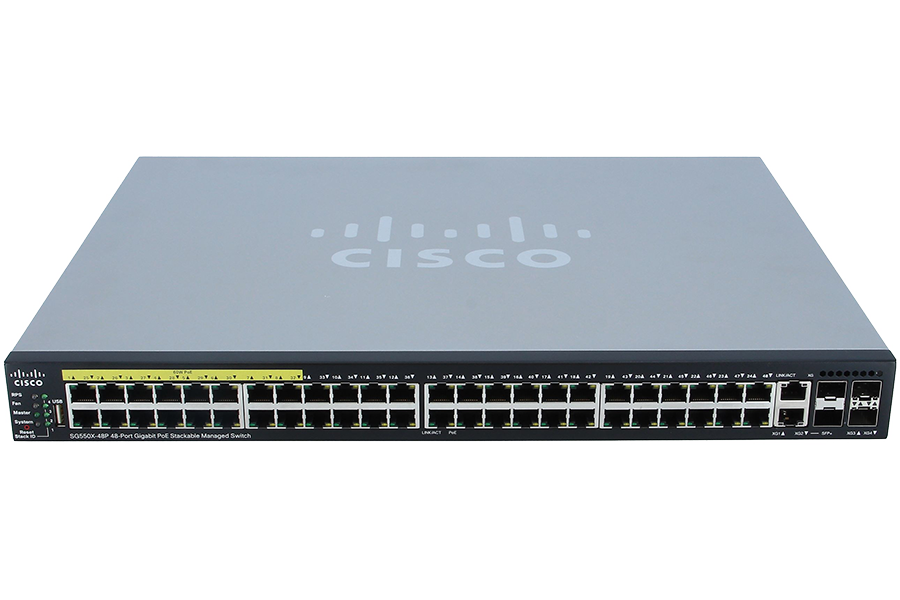
The Coach = The Network Switch
The coach controls the game from the dugout, deciding who plays, who comes off, who gets the ball in which situation. The coach knows every player intimately and directs traffic during the match in real time.

The network switch does exactly this inside the network. It learns which device is connected to which port, and sends data precisely where it needs to go, not broadcasting it everywhere, but directing it to the right player. It manages substitutions too: when a device disconnects and a new one joins, the switch updates its knowledge and keeps the game flowing.
The Referee = The Router
The referee is the one authority on the pitch with power over both teams. They control the flow of the game, deciding when play continues, when it stops, and where the ball goes when it crosses between sides.

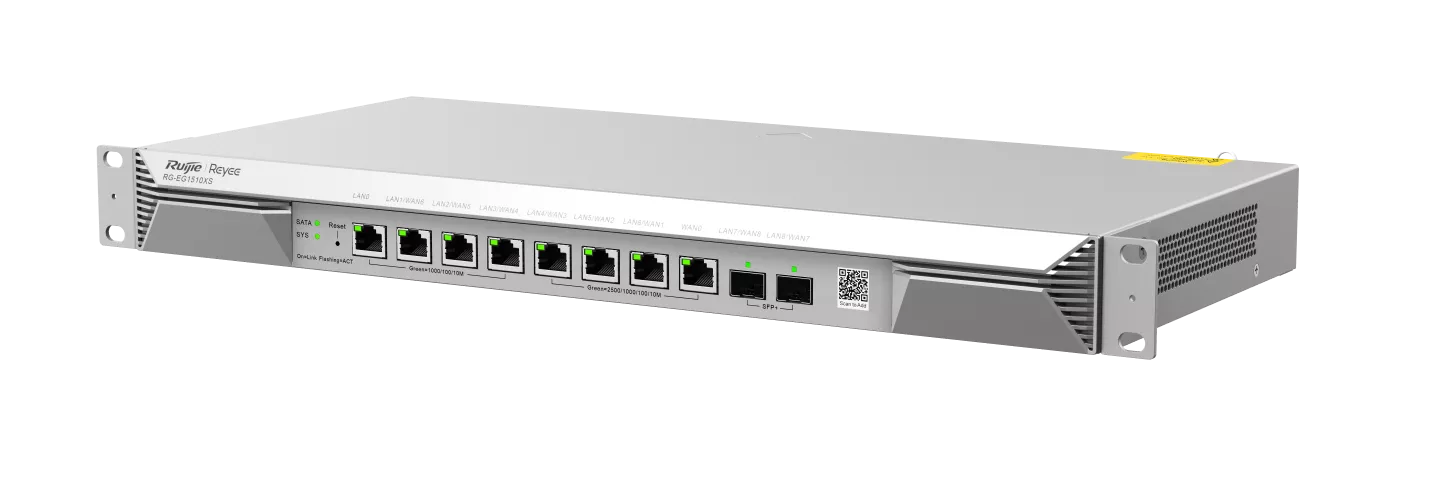
The router is the referee of your network. It sits between different networks, your internal network and the internet, or between different VLANs and makes decisions about how data moves from one side to the other. Without a router, different networks can’t speak to each other. The game simply doesn’t happen.
The Goalkeeper = The Default Gateway
The goalkeeper is the last line before the ball leaves your half and the first point of contact when it comes back in. Every ball that travels out of your half, and every ball that arrives, passes through them.
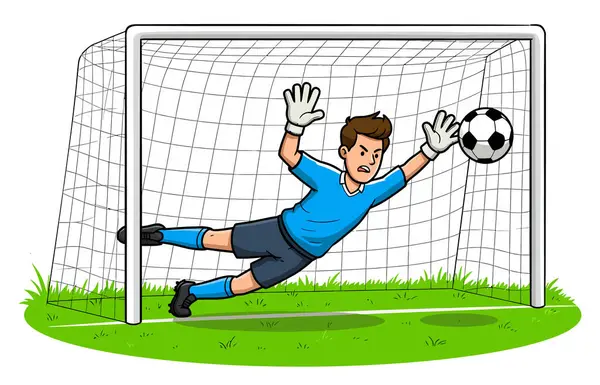
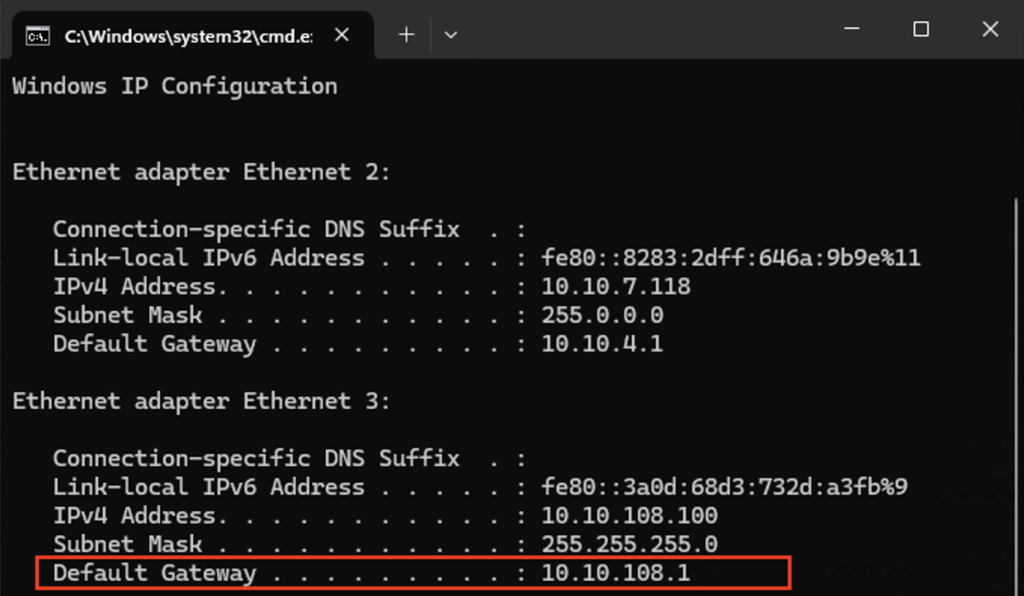
That’s your default gateway, the router’s address assigned to your network. When your laptop wants to reach Google, it sends the data to the gateway first. The goalkeeper receives it, assesses it, and launches it out toward the internet. When the response comes back, it comes through the same keeper.
The Lines & Linesman = The Firewall
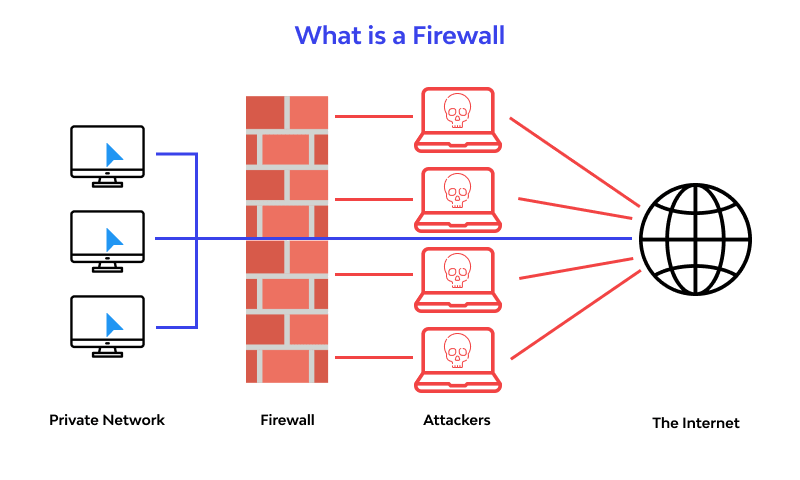
The lines on the pitch define what’s in and what’s out. The linesman enforces them, flagging when the ball goes out of play, calling offside, and ensuring the rules of the boundary are respected. A goal can be disallowed. A throw-in awarded. The lines have real authority.

The firewall is your network’s lines and linesman. It defines what traffic is allowed in, what’s blocked, and what’s out of bounds. Trying to access a restricted website from the office? Flagged offside. Suspicious data packets arriving from an unknown source? Ball out of play. The firewall keeps the match within the rules no exceptions.
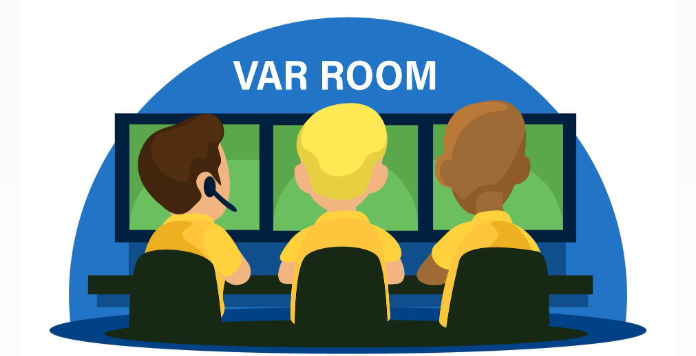
VAR = IDS/IPS (Advanced Firewall Intelligence)
VAR (the Video Assistant Referee) is a more sophisticated layer of oversight. It watches every moment from multiple angles, catching things the linesman on the ground might have missed: a subtle handball, a foul before a goal, a case of mistaken identity.
In networking, IDS/IPS (Intrusion Detection and Prevention Systems) are the VAR. Think of them as advanced firewall functionality, the same family as the firewall, but smarter and more watchful. The standard firewall calls the obvious fouls. IDS/IPS reviews the replay.
An IDS detects suspicious behavior and raises the flag. An IPS goes further, it stops play entirely. Unusual traffic patterns, repeated failed login attempts, data quietly moving toward a suspicious destination, VAR sees it all, even when everyone else missed it.
And here’s a detail that should make every networking person smile: the official 2026 World Cup match ball features connected ball technology, sensors inside the ball transmit real-time positional data to the VAR system, with AI assisting in decisions. The actual ball is literally a networked device. The analogy was never more accurate. ⚽
So Why Does Separation Matter?
Your home router’s “one player does everything” approach works fine for streaming and browsing. But imagine running a hospital on that logic, patient records on the same network as the public Wi-Fi in the waiting room. Or a bank where the trading floor shares traffic with the staff canteen’s smart TV.
Separation means security. It means performance. It means when something goes wrong in one part of the network , one VLAN, one segment, one player , it doesn’t bring down the whole match.
Enterprise networking isn’t complicated. It’s just professional. Every role matters. Every specialist earns their place.
Final Whistle
Next time your network engineer mentions VLANs, picture playing positions. When they talk about your default gateway, picture the goalkeeper. When the firewall blocks something, the linesman just raised a flag.
And next time you restart that dusty box behind the TV , give it a moment of respect. It’s out there on a Sunday morning, playing every position, keeping your game alive.
The ball is always moving. Someone is always directing it, protecting it, deciding where it goes next.
You already understood football. You always understood networking. You just needed someone to blow the whistle. ⚽
Need expert networking support? Contact Annari Systems today.
Contact AnnariSystems today. Your data , and your business , cannot afford to wait.
📧 Email: info@annarisystems.com
💬 WhatsApp: +233 (545) 702-789
📍 AnnariSystems–Smart networking solutions that keep your business moving forward.